


welcome to
applications of
artificial intelligence
prof. dr. nicolas meseth
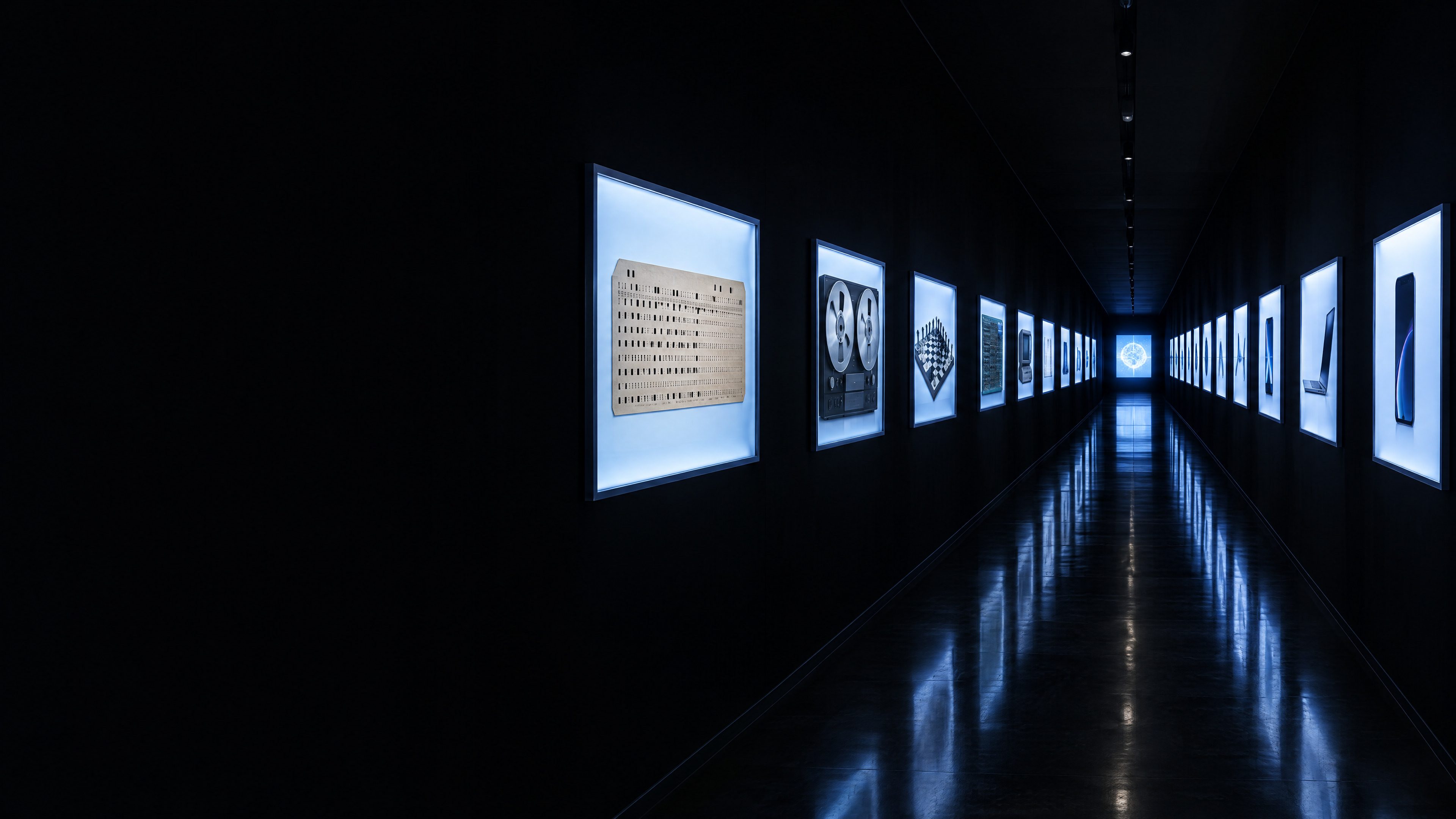
a brief history of AI
when did
AI begin?
image: ai-generated (gpt-image-2.5-flare)
what do you know
about the history
of AI?
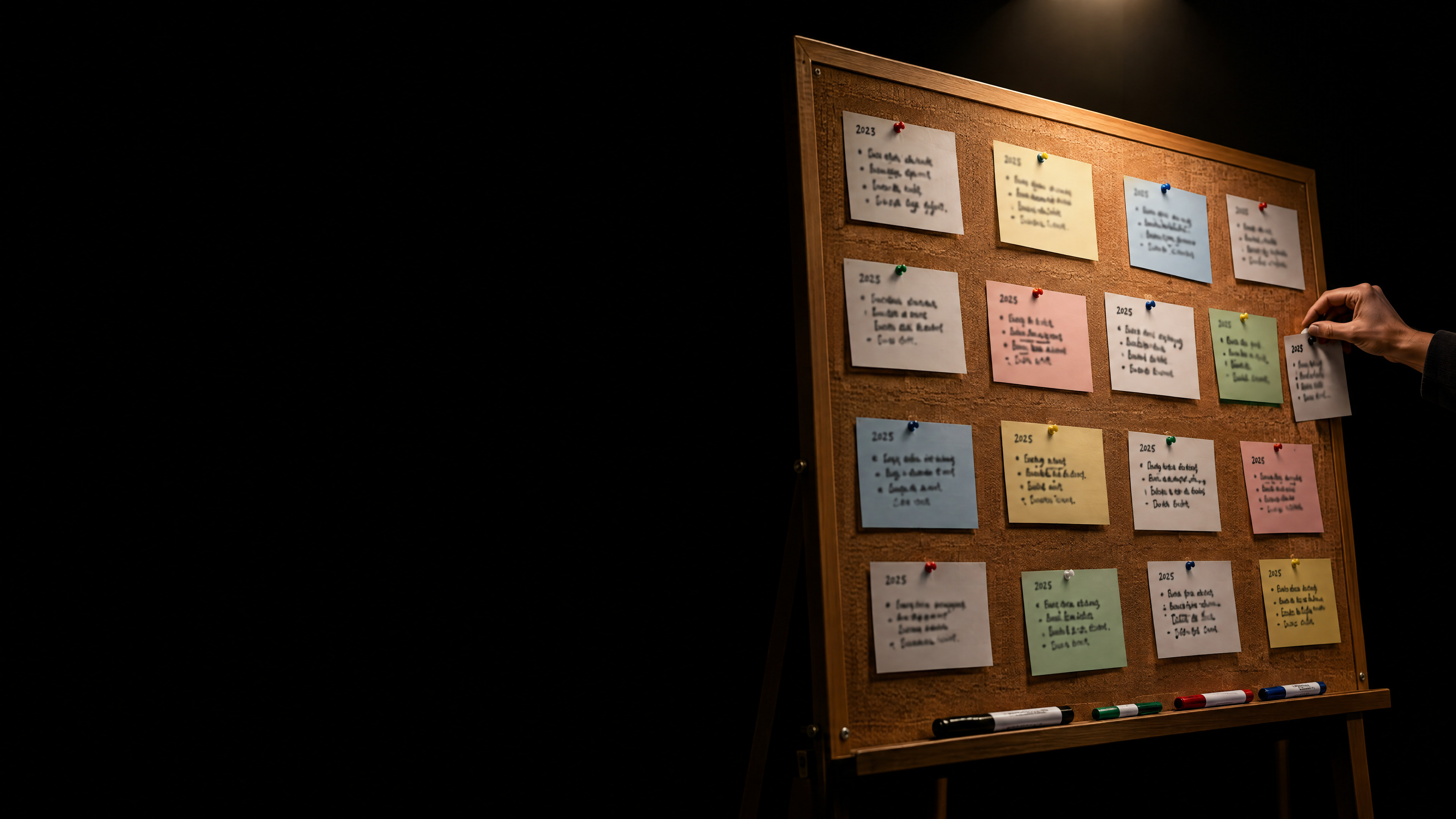
one card = one milestone
the year, if you know it
block letters, big
pin it on the board
10 minutes · in pairs · there are no wrong cards
image: ai-generated (gpt-image-2.5-flare)
before you
what your peers knew
a previous group wrote a report together: “a brief history of artificial intelligence”
this time
let's do it properly.
every milestone checked
every source read
every fact written down

let an AI agent help

do you know who this is?
let's ask for help.
two inputs, a photo and a text file · one task

step 1 · research

We are the master's module "Applications of Artificial Intelligence". Help us build a knowledge base on the history of AI. Inputs: - a photo of our pinboard: milestones the students of this course know - milestones.md: AI milestones that students of this course collected a year ago Tasks: - find reliable sources for every milestone, and research further important milestones yourself - download every source and save it - read each source and extract the key facts: what? who? where? when? — and so what? - store them in a structured knowledge base as Markdown, one file per milestone, with its source and its origin: a previous group, this group's students, or agent - write all errors you find in milestones.md to an Excel list - pinboard cards you cannot verify go to a list "still to check" First read everything and show me your plan. Wait for my go.
libraries are boring,
so let's build
something
interactive.
image: ai-generated (gpt-image-2.5-flare)

step 2 · build

Now build a visually compelling, interactive web app "A Brief History of AI" for the students of this module. It guides visitors through the history of AI on a timeline. - use only the knowledge base — no new facts - every entry shows what, who, where, when and so what, and links to its source - show where each entry came from: a previous group, this group's students, agent - a static site (HTML, CSS, JavaScript, no build step), in English - must work on phones and on the projector; do not include the photo Show me your plan first. Wait for my go.

while the agent builds

test it

trust, but check.
which errors did the agent find in the previous group's list?
which of our cards made it, which are “still to check”?
what did the agent add on its own?
click a source: does it say what the app says?
time for
assessment.
image: ai-generated (gpt-image-2.5-flare)

step 3 · quiz

Add a quiz to the app, so visitors can test what they learned about the history of AI. - 50 interesting questions, based only on the knowledge base - 4 answer options per question, exactly one of them correct - the wrong options must be plausible, not silly - after each answer: right or wrong, the correct answer, and a link to the matching entry on the timeline - questions in random order, a score at the end - same design as the timeline; must work on phones Show me three example questions first. Wait for my go.

bonus · guided mode

Add a guided mode to the app: a narrator tells the history of AI, and the app follows along. - write an engaging story from the milestones, based only on the knowledge base - choose a fitting narrator voice from the OpenAI text-to-speech API; the API key is in the environment variable OPENAI_API_KEY - create the audio in advance — the app itself never calls the API - while the narrator speaks, the app opens the matching milestone on the timeline by itself, no clicks needed - the user can pause, skip and leave the guided mode at any time - say in the app that the voice is AI-generated - never write the API key into the app or into any file Show me the outline of the story and the voice you chose first. Wait for my go.

publish

Create a public GitHub repository "brief-history-of-ai" and publish the app with GitHub Pages. Give me the URL. Publish only the app, its audio and the knowledge base — not the downloaded sources, not the Excel list, not the photo. Then make a QR code for the URL and open it in the browser, so everybody in the room can scan it.

it's live

90 minutes ago, this page did not exist.

what the agent did, and what we'll unpack

read a photo of handwriting
→
how computers see images
wrote a plan
→
reasoning
generated text and code
→
how LLMs & neural networks work
knew how to build a web app
→
how an LLM is trained
used tools: files, browser, web
→
rules vs. learning · tool use
got something wrong
→
hallucination
checked facts against sources
→
trust and verification
split the work among sub-agents
→
multi-agent systems
published to the web on its own
→
autonomy, safety, responsibility

how do these systems work?

what's the difference between ChatGPT and Claude Code?
how does a language model represent text, and meaning?
why does it give a different answer every time?
how much can it keep in mind at once?
can I run an AI on my own laptop?
why do the models keep getting better?

what does it mean for us?

where is AI already at work in our domains?
the machine predicts, who decides?
how should we use AI in our studies and in research?
how much energy does an answer cost?
which jobs will change?
what does AI mean for the economy?
whose data is it?
how do we regulate AI, and where is all this going?

your homework

think about whether you want answers
to these questions.
then come back.
the next milestone
is still blank.
image: ai-generated (gpt-image-2.5-flare)